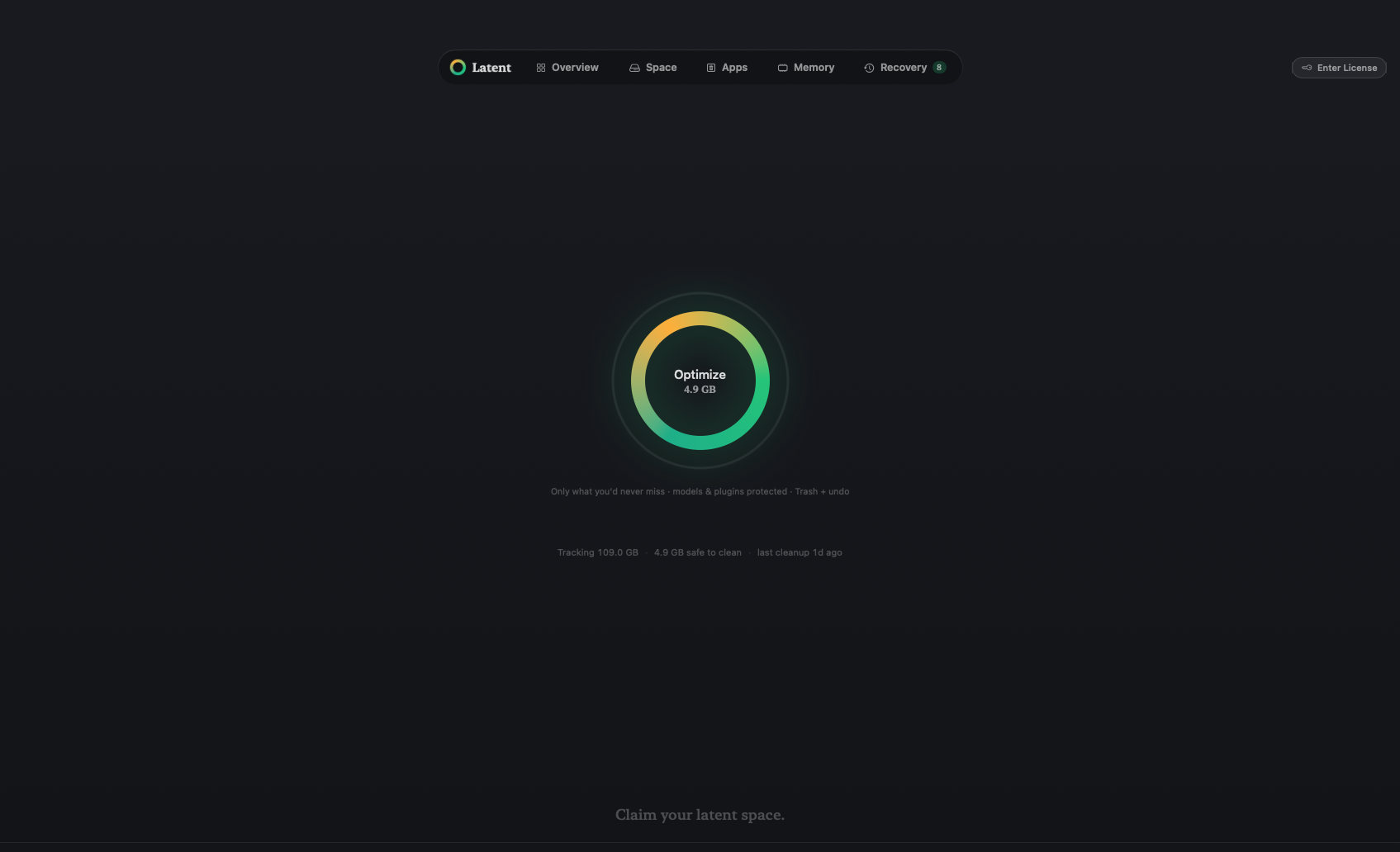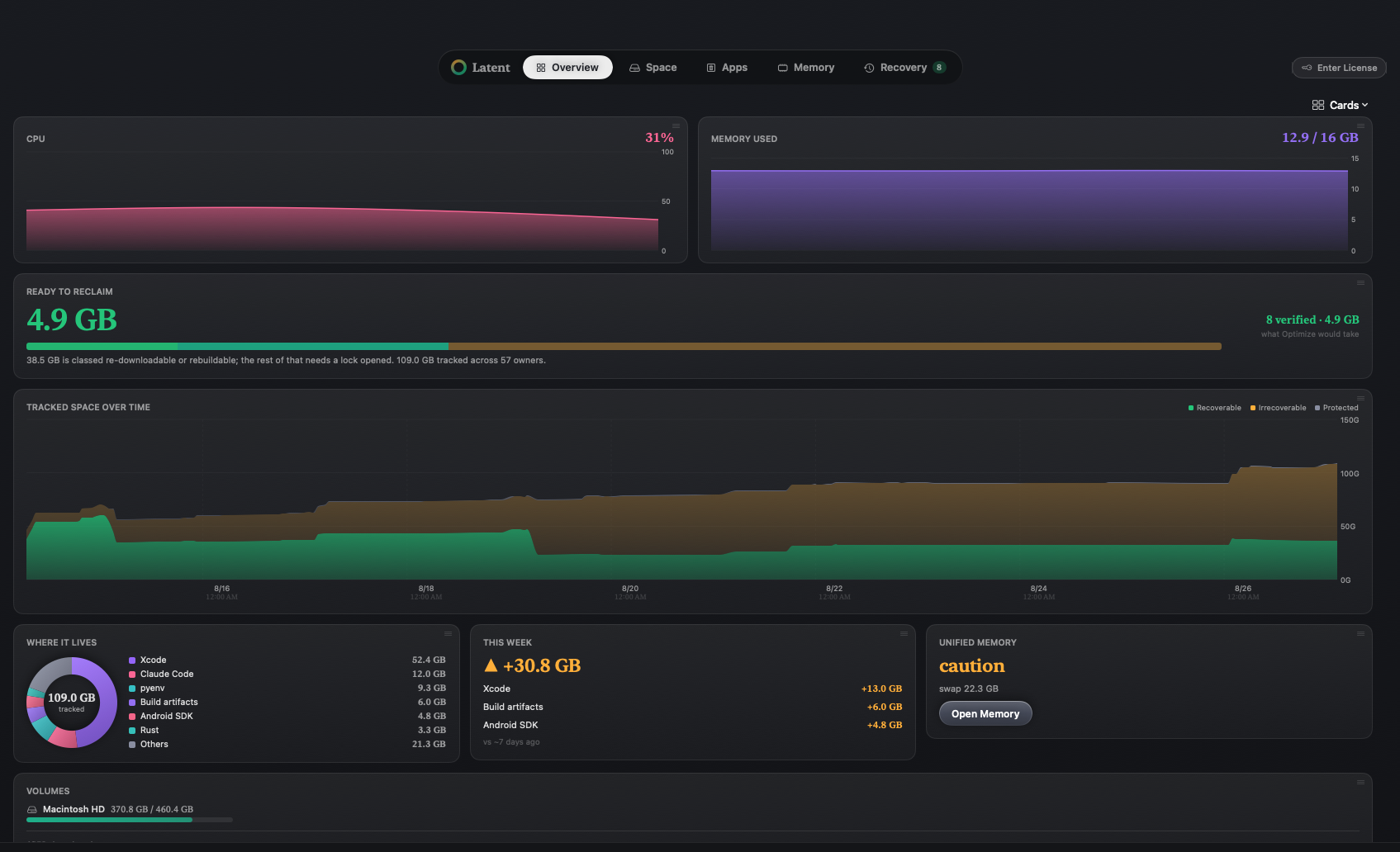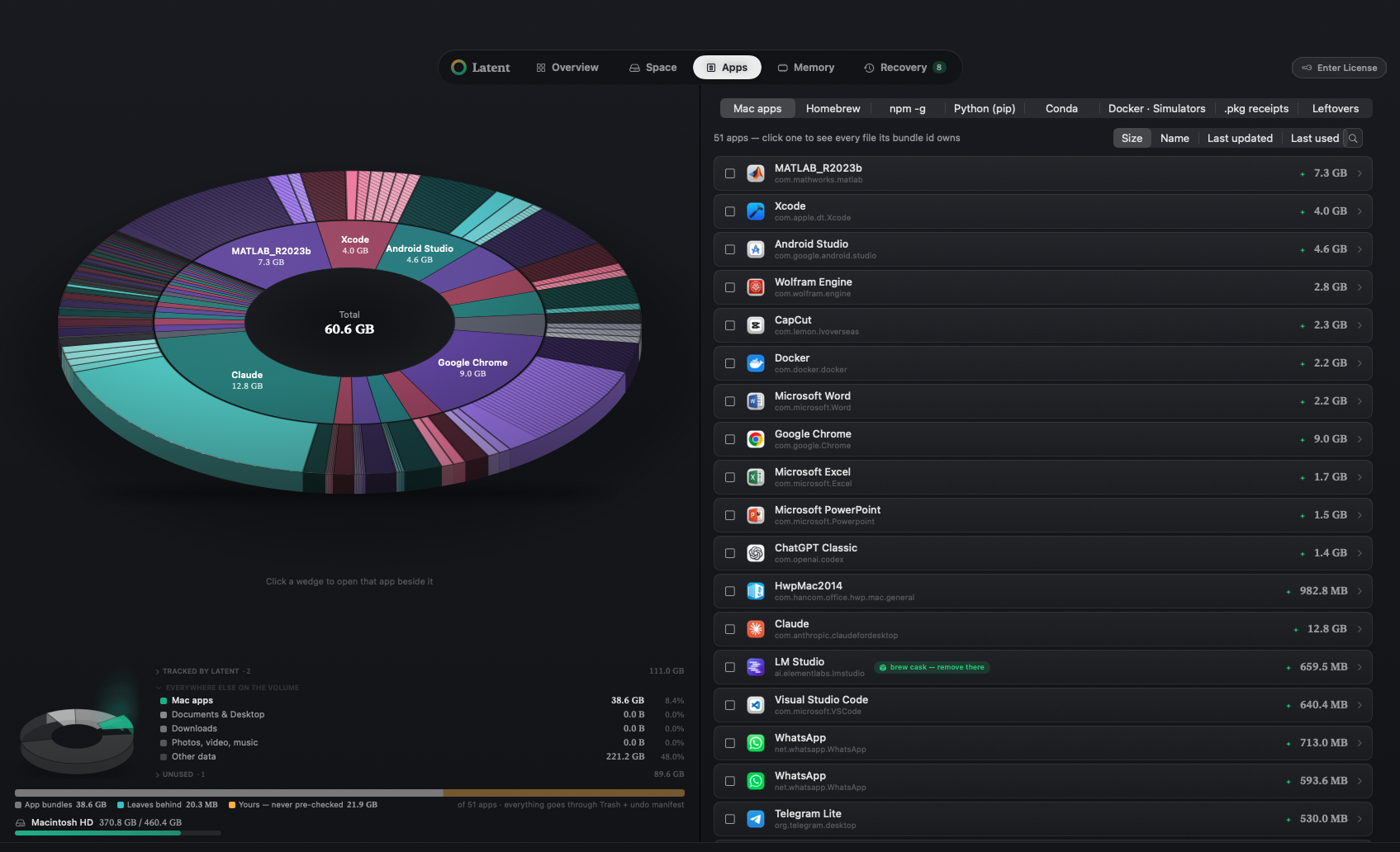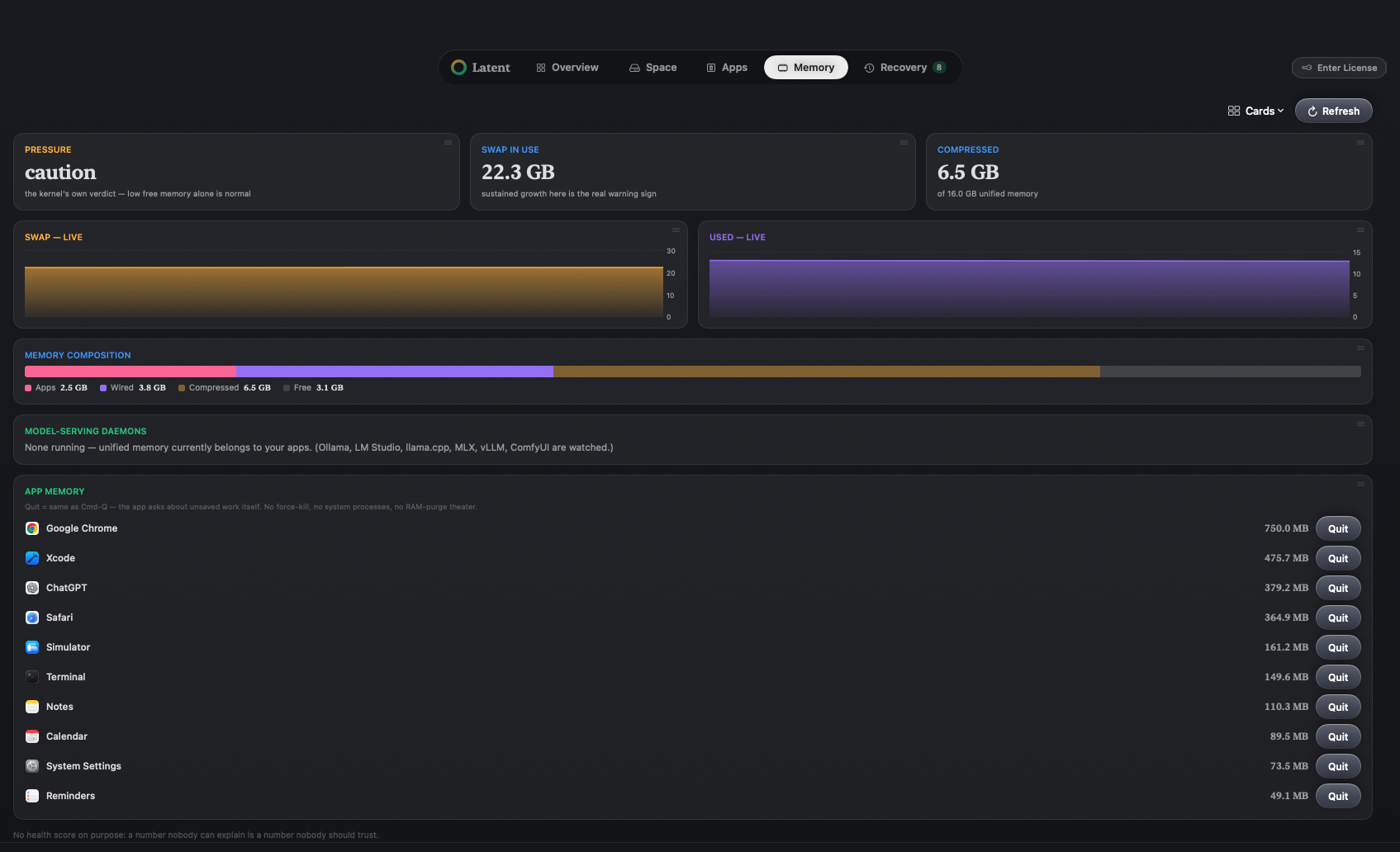
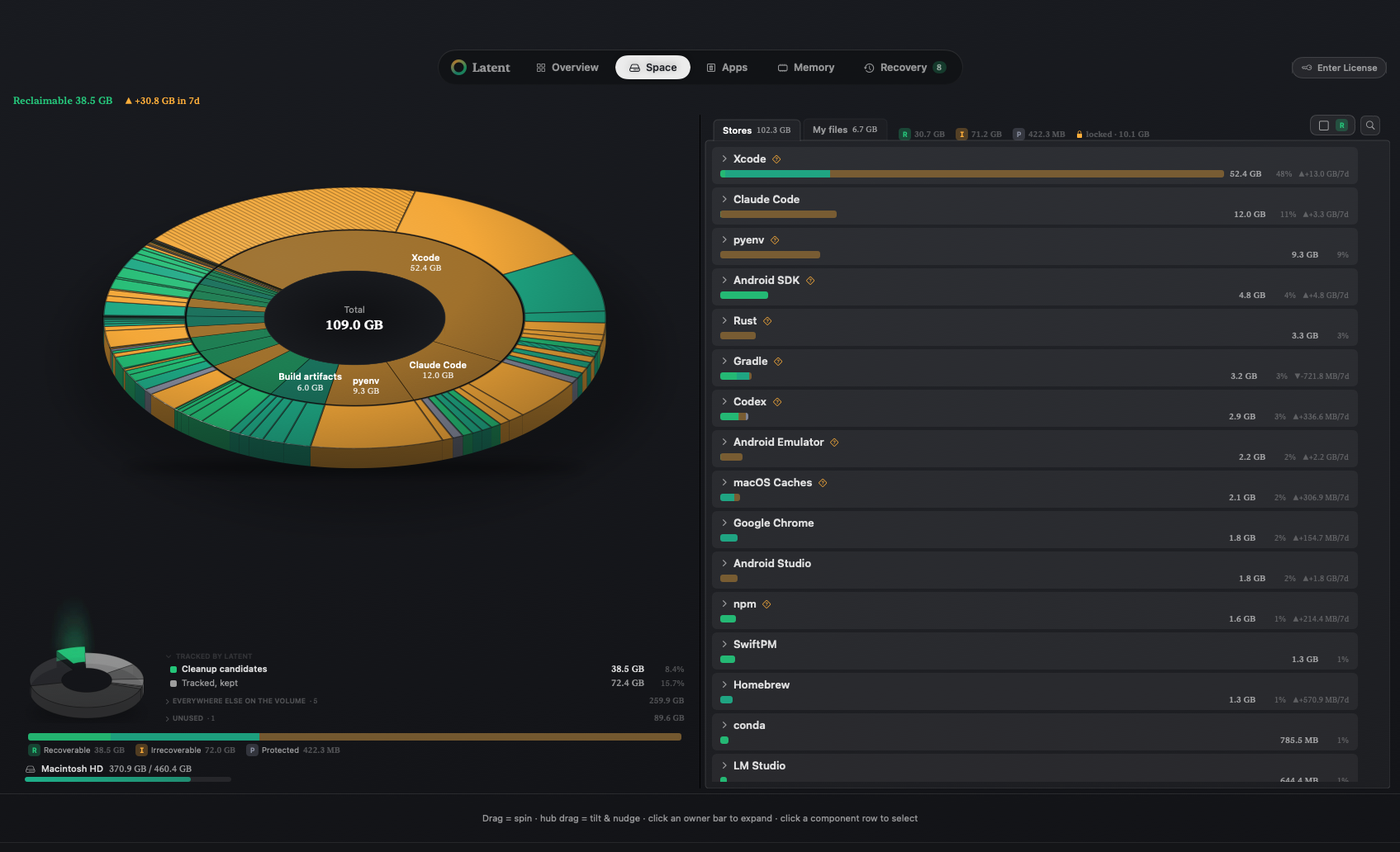
Press a wedge. Every store carries a mark.
Example scan · a typical AI toolchain
Ollama blobs, Hugging Face caches, checkpoints, Docker layers. Use AI tools for a while and a Mac fills up on its own, in places ordinary cleaners never look. Latent finds how many gigabytes each tool holds, checks carefully what can be recovered, and helps you take the space back.
Download for macOSmacOS 14 or later
Apple silicon · notarized by Apple · verify this download
Free to scan. $12.99 one-time for 3 Macs — launch special $9.99.
The wheel is an example, not a measurement — on your Mac it draws your own disk.
Where the space went
Model blobs, hub caches, checkpoints, image layers. It finds what your AI tools left behind.
Grouped by the tool that made them, not the folder they sit in.
Including caches other cleaners never look for.
No accidental deletes
RProven to come back. Clear it with one click.
IIn your hands. Check it, then decide.
PProtected. Latent never suggests deleting it.
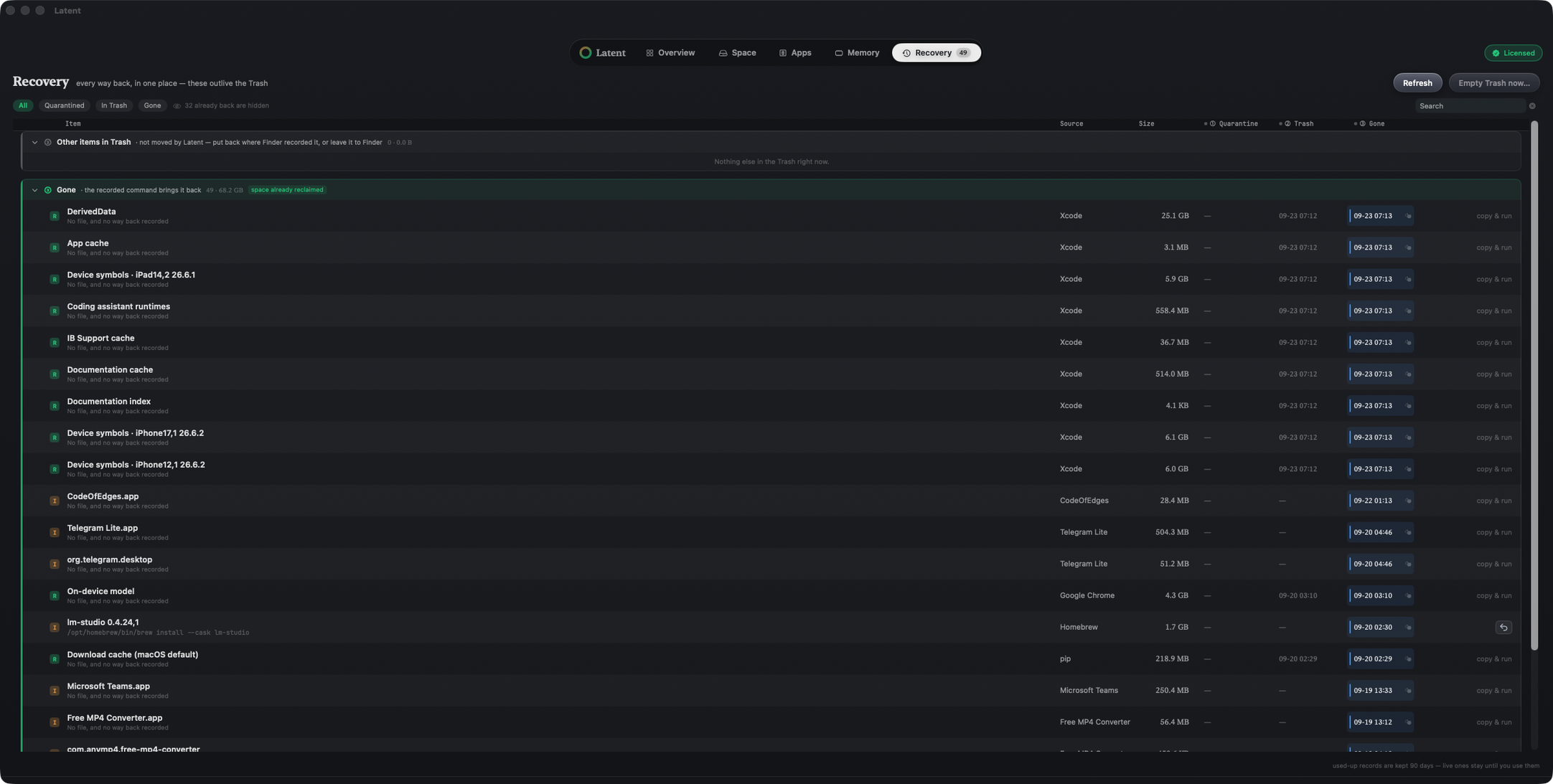
Whatever you remove, the way back is written down.
Leave the repetitive work to the agent
MCP server built in. Claude, Codex or Cursor read the scan as it is.
The agent drafts the cleanup. It runs only on your final confirmation.
Memory is freed safely, with the command built for each tool.
The basics of a Mac cleaner, too: uninstall an app with every file it owns, as one reversible unit.
How it works
See it
Model blobs, build folders and container layers — grouped by the tool that made them, not the folder they sit in.
Clear it
RReturns — clear it in one click.
IIn your hands — check it, then decide.
PProtected — never suggested.
Undo it
Every removal is written down, with the way back.